Kernel
You don't have to remember what you saved.
That's the whole point of Kernel.
Your account is fully private. Only you can see what you save.

How Kernel works
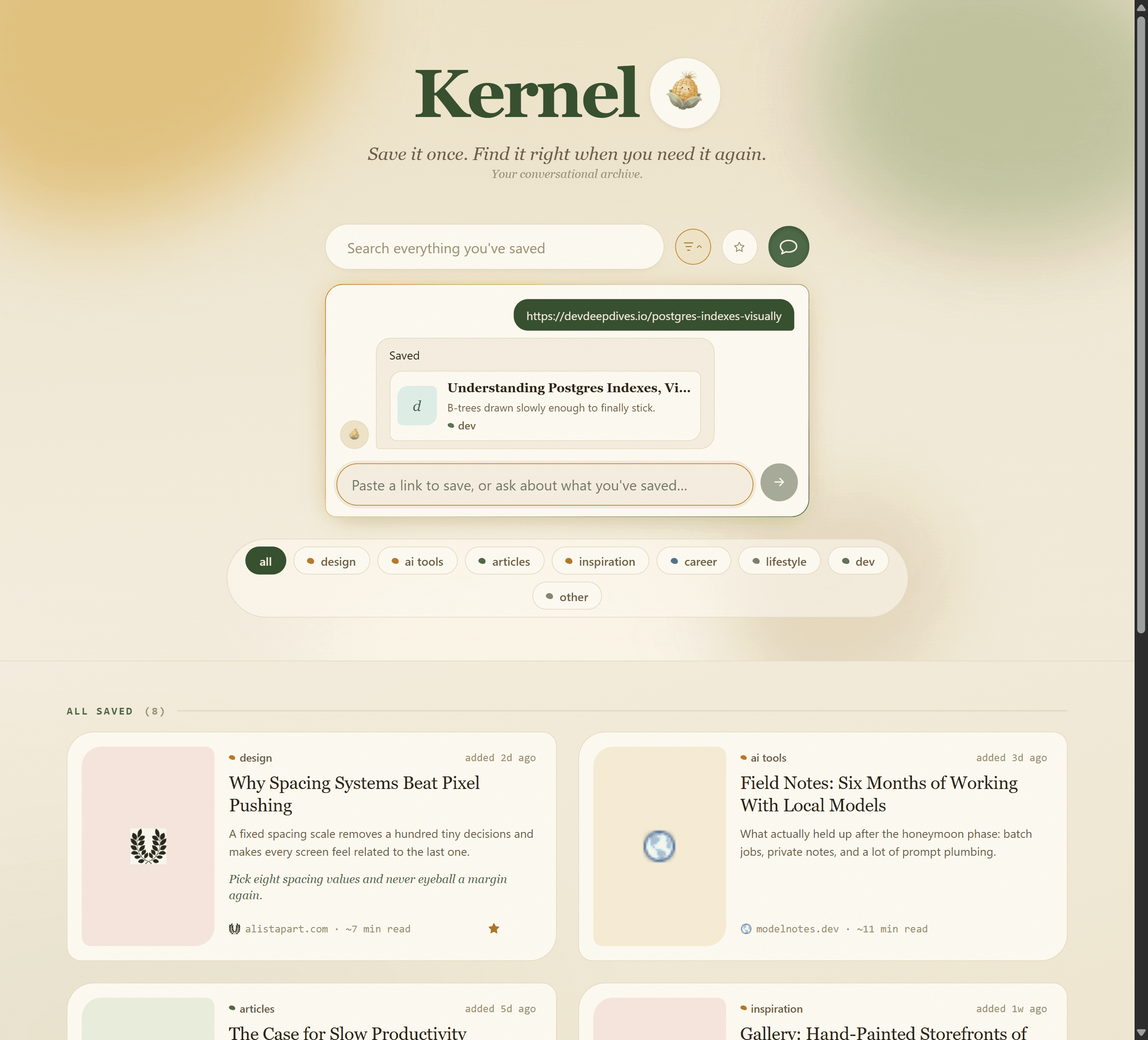
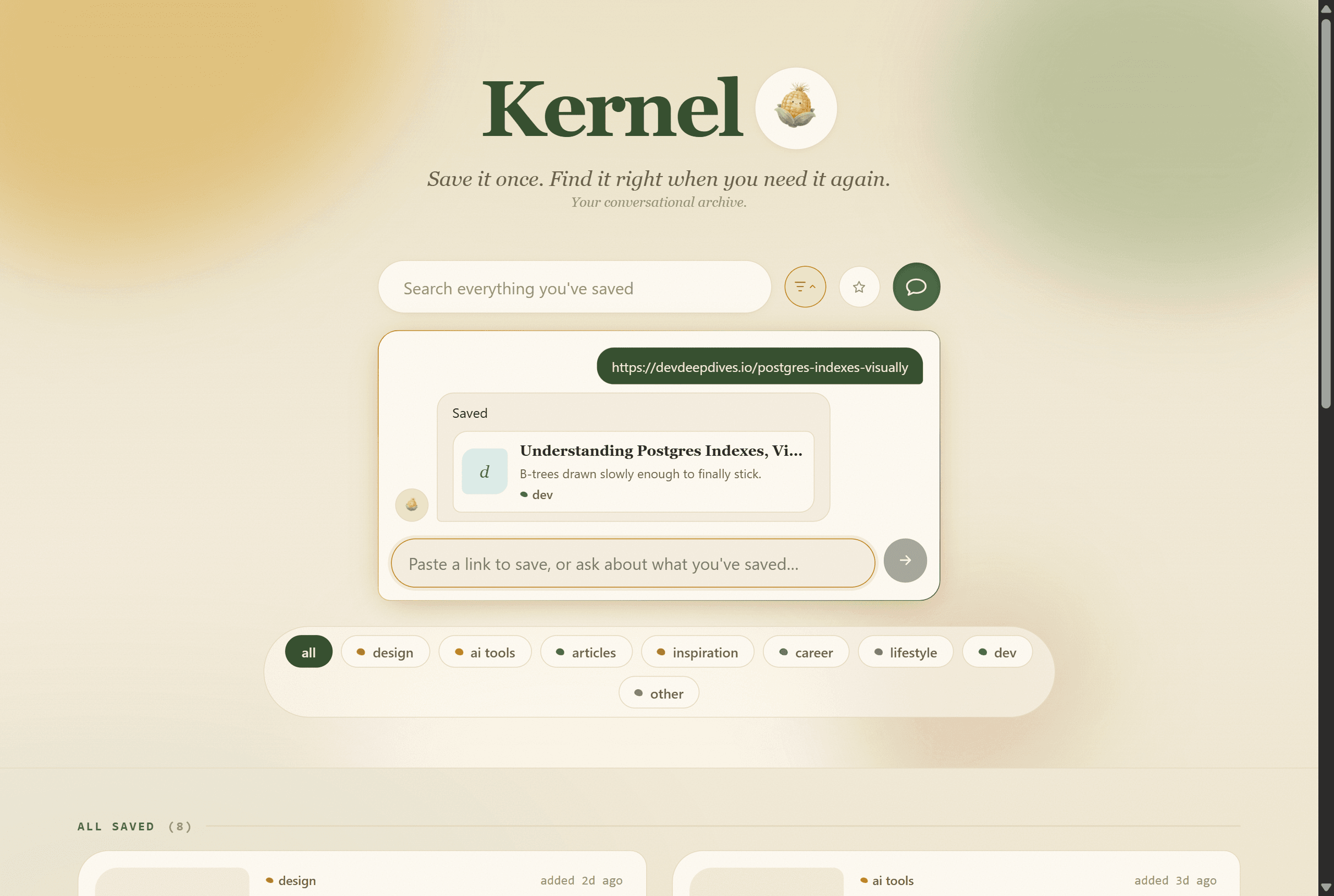
The whole loop, save it, tell Kernel why, then just ask.
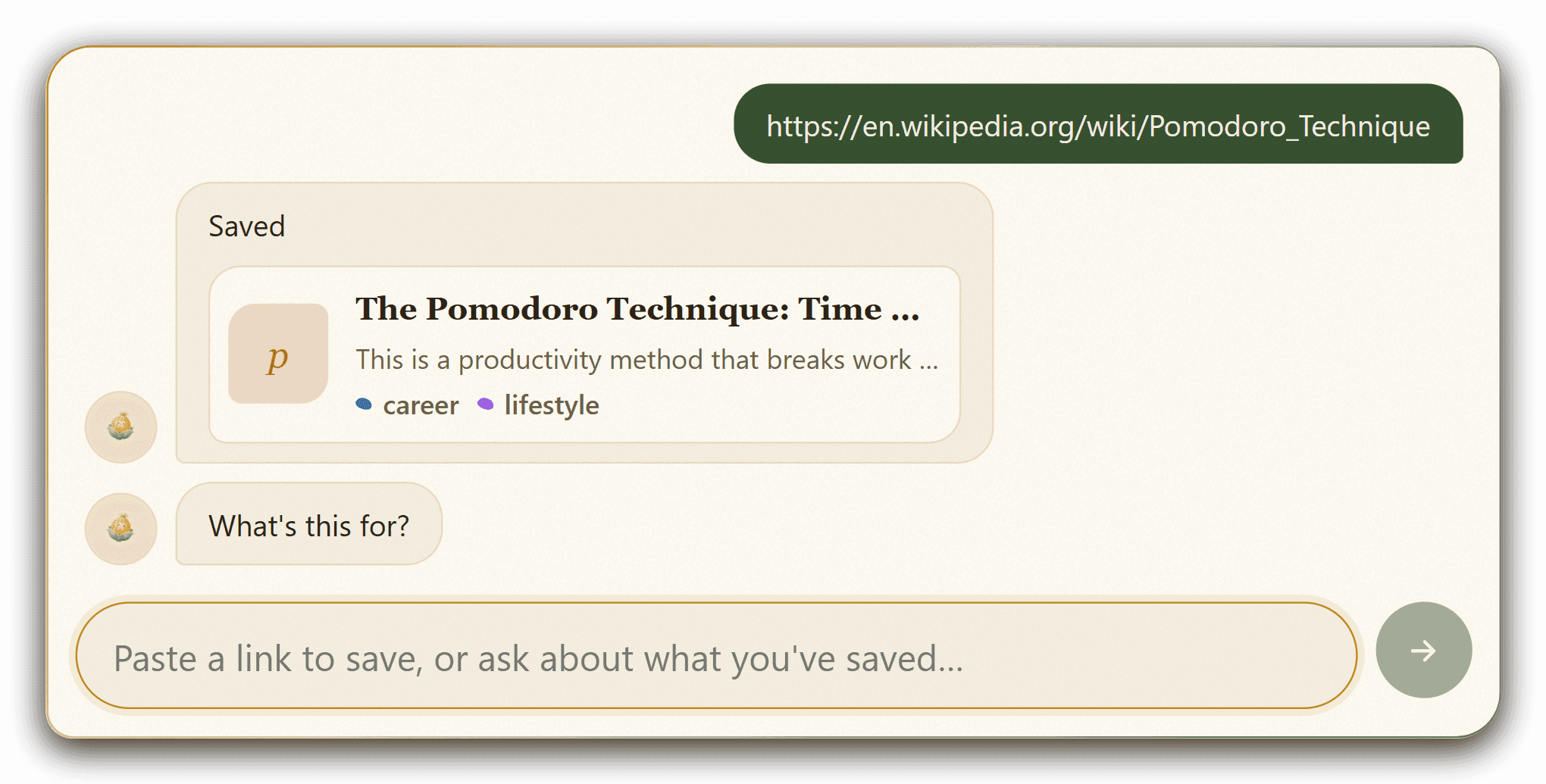
Capture & summarize
Paste a link and Kernel reads it, writes a summary, and picks a category on its own.
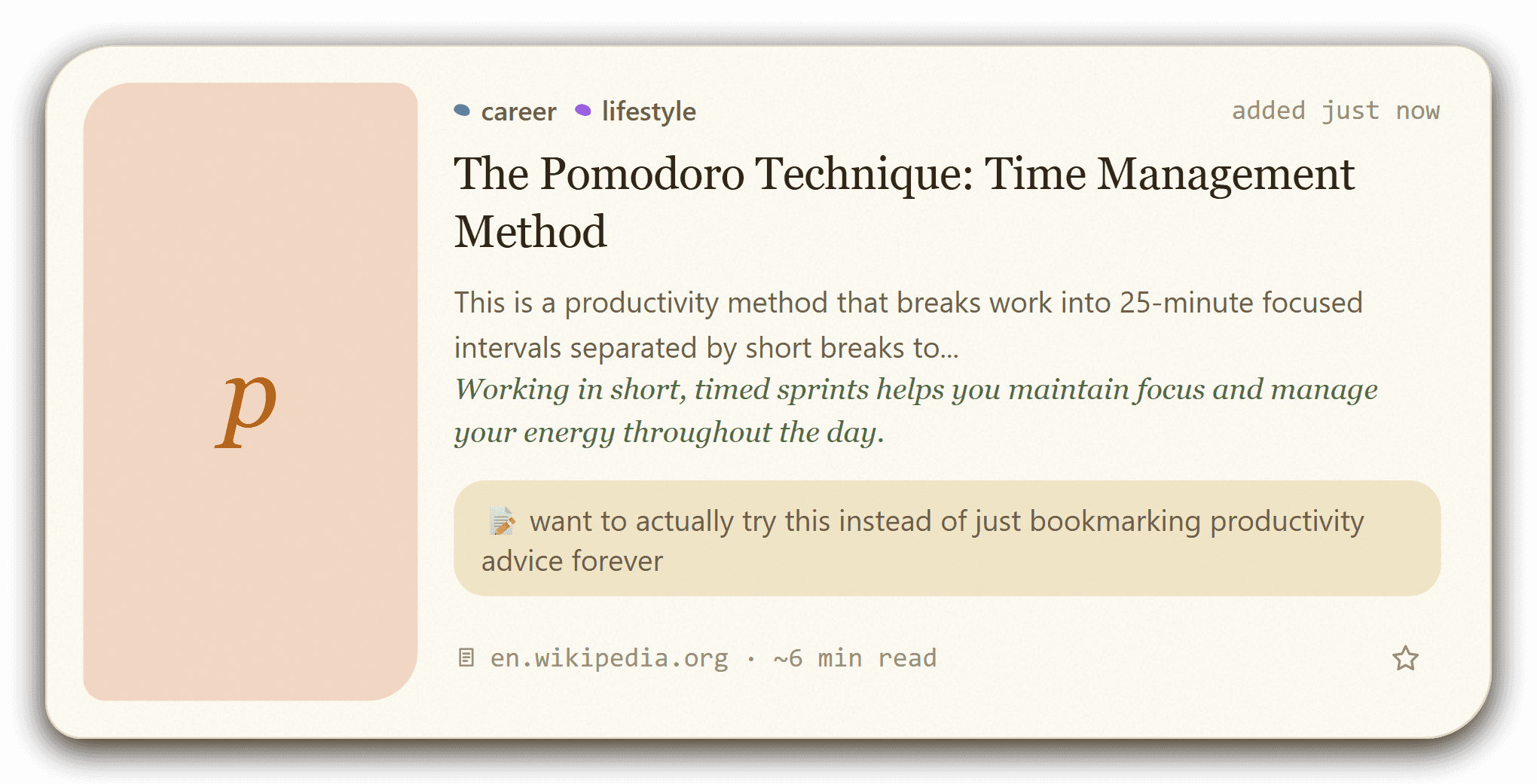
Tell it why
Add a quick note on why it matters, or skip it and Kernel will ask you after.
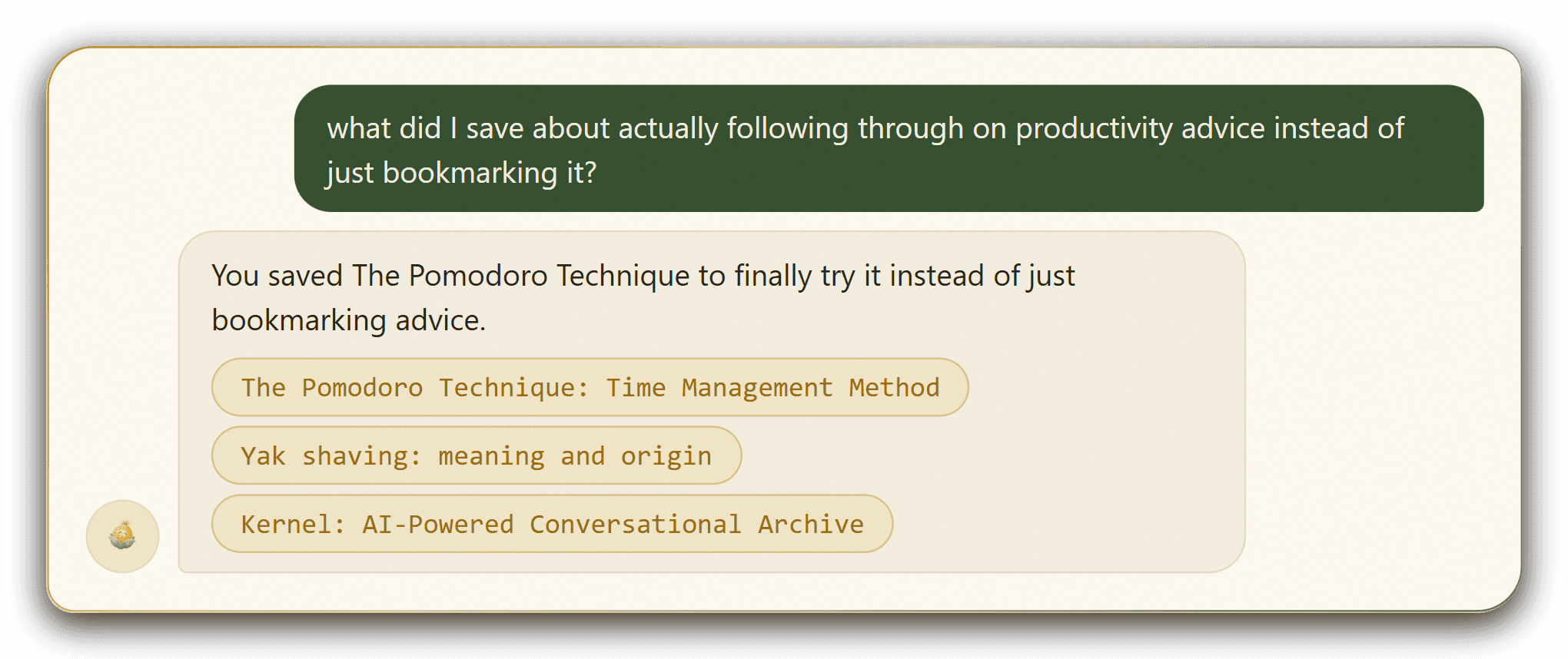
Ask, don't search
Describe it in plain words: not the exact title, not a folder, just what it was about.
Or skip coming back here at all. Drag Kernel's Save button to your bookmarks bar once, then capture any page you're reading in a single click. It saves in the background and asks why after, if you want to leave a note.
Why Kernel is different
If you've used Notion, Obsidian, or Evernote to save things, you already know the problem.
A living archive
The more you save, the more it grows.
FAQ